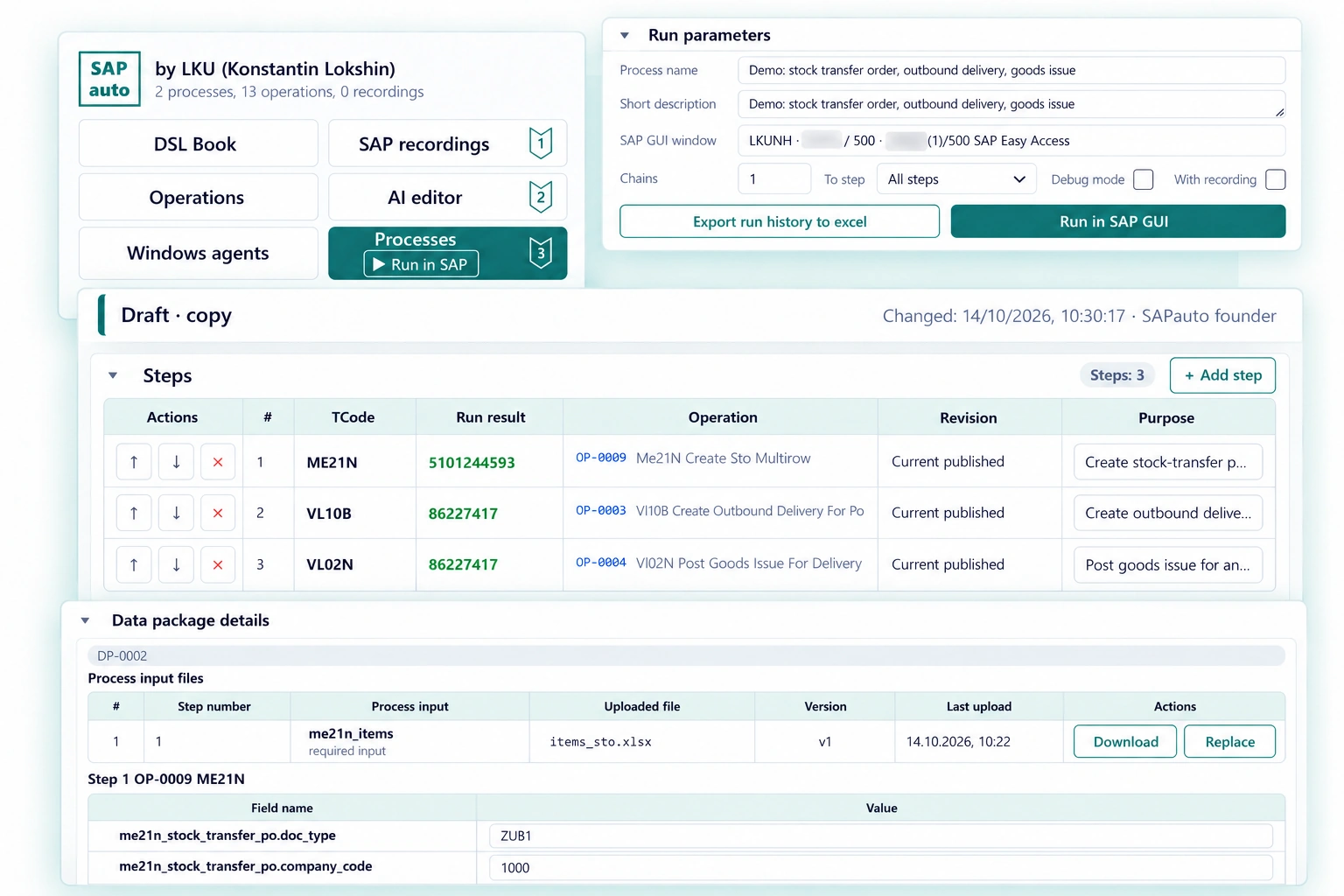
Automate testing in SAP GUI on your own.
For SAP consultants: build new processes, investigate incidents and prepare releases.Build your team's shared catalog yourself and run test scenarios with different data. Less routine work and testing effort, faster work and better results.
Try SAPauto
Explore examples and try editing operations and processes in the shared demo workspace.
Request a consultation or a workspace for your team
Get in touch to discuss your process or access for your team.
Examples of use
Developing a new process
You need to repeat the same document sequence with different test data — after every change.
Your test scenario — in 30 minutes
Run ready-made scenarios or record any actions in SAP GUI. Use the built-in AI to turn recordings into reusable operations and a complete scenario. Add data sets for different test cases and run the scenario again.
No scripting languages or no-code test editors to learn.
Investigating a production incident
You need to reproduce a problem in a test system for an ABAP developer, but the consultant who knows the process is on vacation.
Reuse your team's test cases
Find a ready-made test case in your shared executable catalog, enter the data that triggers the problem and give the developer the process and data package codes in your shared workspace. The steps and inputs stay together, making the case easier to reproduce.
Your team's process knowledge stays accessible when its author is away.
Preparing a release
You need to check that changes have not broken existing processes. Repeating every step by hand takes time.
Reduce risks without huge costs for automation or manual testing
Run saved processes with test data sets and review their results. Reuse the same scenarios for each release.